To align with recommendations in Defender, you have to configure lockout policies on your devices. There is no native way to do this through Intune (yet).
Luckily, this is really easy to do with a PowerShell script.
Create a new PowerShell script with the following content:
net accounts /lockoutthreshold:5
net accounts /lockoutduration:15
net accounts /lockoutwindow:15
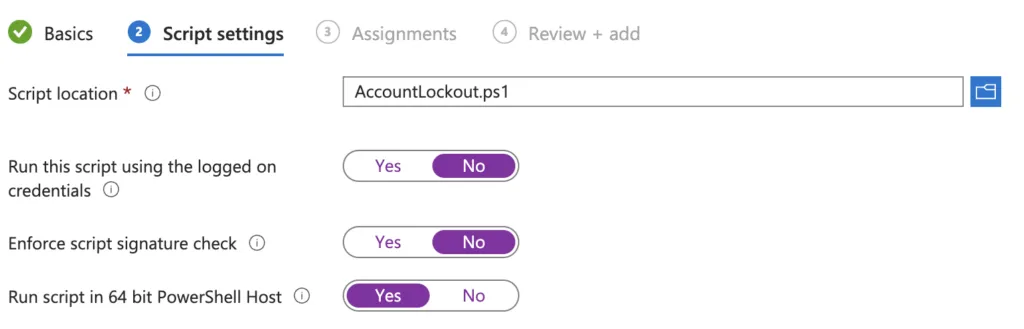
This is how I configure the script in Intune: